
You’ve probably run into this before. You’re working with a component instance in Figma and need to tweak just one small thing – swap an icon, change a logo, or add an extra element. And what’s the usual solution? Detach the instance. Which basically breaks the connection to the original component and turns it into a standalone element.
It works… but it’s far from ideal. You lose the link to your design system, consistency starts slipping, and over time your component library can get messy. That’s exactly the problem Figma is now trying to solve with a new feature called Slots.
Currently available in open beta, Slots are designed to make components more flexible—without forcing you to detach them from the design system.
What Are Figma Slots?
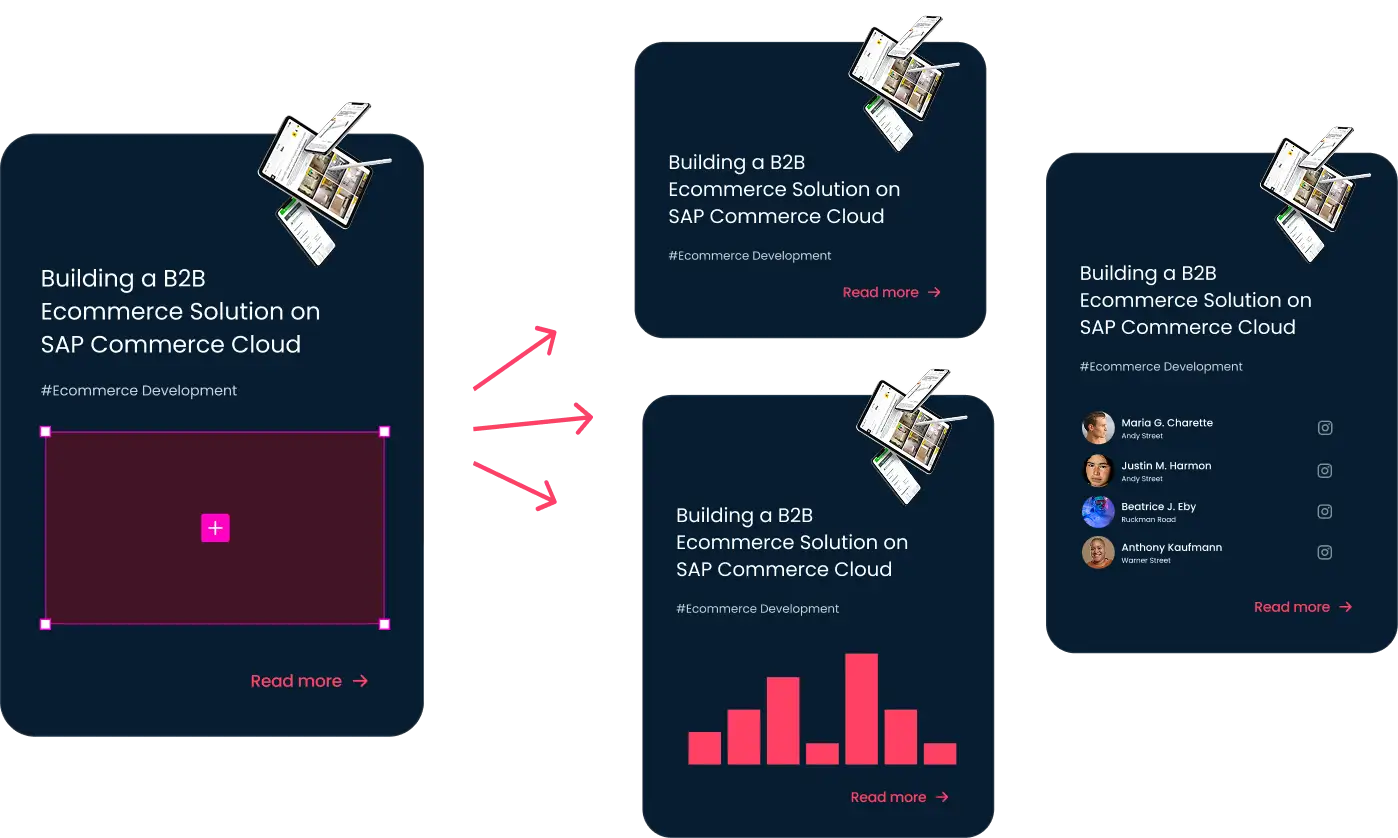
Slots are defined areas inside a component where you can insert custom content like text, images, or even other components, directly within an instance.
The key benefit? The component stays connected to the design system, so you keep consistency while gaining flexibility.
If you come from a development background, this concept will feel familiar. It works similarly to how components behave in code – where a container defines the structure, but the content can change without duplicating the entire component.
What Problem Do Slots Solve?
From a design system perspective, Slots can significantly reduce the number of component variants.
Instead of creating dozens of combinations, you can rely on a single base component and simply inject different content where needed. That makes your component library easier to manage and keeps your design system much cleaner.
Personally, I think this is one of the most practical updates Figma has introduced in a while. If Slots gain traction in real-world workflows, they could simplify working with components while keeping design systems much more organized.
Slots vs Variants: What’s the Difference?
If you’ve been using Figma for a while, you’ve probably relied on variants to handle flexibility. Variants are great for defining different states—like size, style, type, or interaction states such as hover or disabled. They let you bundle multiple configurations into a single component and switch between them easily.
But things get tricky when you need to change the content inside a component, not just its state. For example, swapping an icon in a button, adding a badge to navigation or inserting different content into a card. This is where variants can start to explode in number—and your design system can become harder to manage.
That’s where Slots come in.
Here’s a simplified breakdown:
| Variants | Slots |
| Define different versions of a component | Define areas for dynamic content |
| Used for states and configurations | Used for content flexibility |
| Can lead to many combinations | Reduce the need for combinations |
What’s interesting is how closely this mirrors frontend development patterns. In frameworks like Vue or when working with Web Components, you often define a component’s structure and pass content into it dynamically using slots. The layout stays the same, but the content adapts.
That’s why Slots in Figma feel like a natural step forward, especially for teams where design and development need to stay aligned. Instead of managing dozens of variants, you can work with a single, well-structured component that allows controlled flexibility.
And importantly, Slots don’t replace Variants. They complement them. Variants handle the logic (state, size, type), while Slots handle the content.
How Slots Work in Practice
The easiest way to understand Slots is to see them in action. Check out a short demo below showing how they work directly in Figma.
Will Figma Slots Become the New Standard?
Slots hint at where component design in Figma is heading. Instead of relying on workarounds or multiplying variants, they offer a more flexible and intuitive way to work with components.
They also bring design closer to how things are actually built in code, which can make collaboration between designers and developers much smoother.
If you work with design systems regularly, this is definitely a feature worth trying out. It might not seem like a huge change at first – but it has the potential to reshape how components are designed and maintained in Figma.