In the first part, we compared WordPress and Strapi mainly from the perspective of business, marketing, and day-to-day content work. Now we will take a deeper look at the technical side of choosing a CMS.
Technical decisions often determine how easily a website can continue to evolve. For a smaller business website, WordPress can be the faster and more practical route. But if the CMS is not meant only for publishing articles, and instead becomes part of a broader digital solution, architecture, APIs, performance, security, hosting, and integrations all come into play.
In this article, we will look at when classic WordPress may no longer be enough and why Strapi can be a better choice for projects with a custom front end, mobile application, customer portal, or one content backend for multiple channels. [1] [2]
Technical differences in brief
At a technical level, it is not only about which CMS you use, but also about how the whole solution is built. WordPress and Strapi differ in their basic approach.
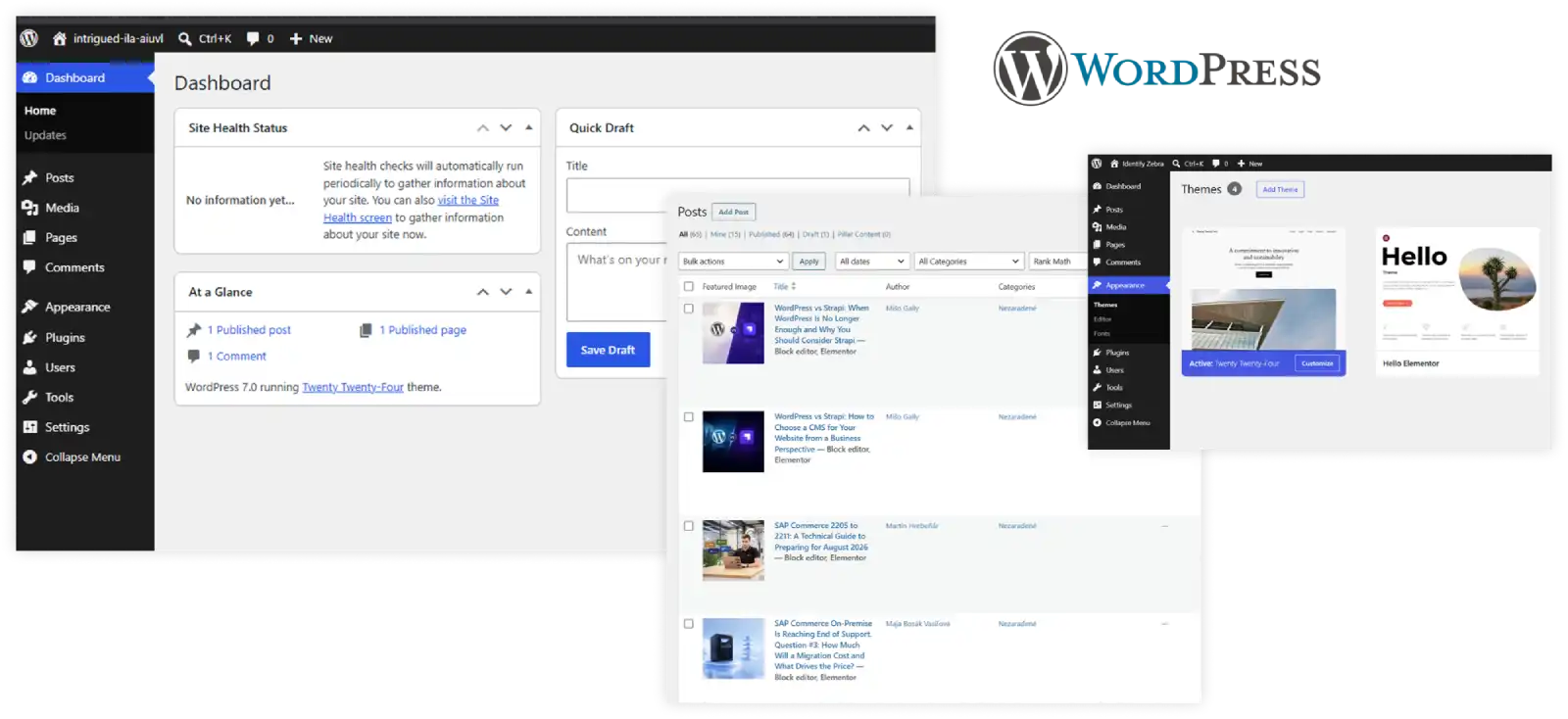
WordPress combines content, design, and a large part of the functionality in one system. This is an advantage for classic websites, blogs, or landing pages where you want to launch quickly and keep the website easy to manage. The front end often comes from a theme or block editor, and new features are often added through plugins.
Strapi, on the other hand, separates content from the website or application itself. You manage content in the CMS, while the front end is designed separately according to the needs of the project. Features are then more often handled through APIs, custom development, and integrations. This approach requires more initial setup, but it brings greater technical flexibility.
| WordPress | Strapi |
| Website, content, and design are usually in one system | Content is separated from the website or application |
| Suitable for classic websites, blogs, and landing pages | Suitable for custom solutions, applications, and portals |
| The front end often comes from a theme or block editor | The front end is designed separately according to project needs |
| Features are often added through plugins | Features are handled through APIs, custom development, and integrations |
| Easier to start with | Greater technical flexibility |
This table does not mean that one solution is automatically better. It rather shows that WordPress and Strapi solve different types of needs. WordPress is practical when you want to get the website under control quickly. Strapi makes more sense when you need to use content across several systems or want more freedom in designing the front end.

Architecture: when a website becomes more than just a website
most of the functionality are all in one system. For many business websites, this is an advantage. The team does not need to manage several separate parts, and many things can be done directly through the administration interface, a theme, or a plugin. WordPress also has a REST API, so it can be used in a headless architecture, but this is not its natural default model. [3] [4]
Strapi takes a different approach. You manage content in the administration interface, while the website, application, or another digital channel is built separately. Content is delivered through REST API or optionally through GraphQL. [1] [5]
In practice, this means that Strapi is especially suitable when you do not want to be tied to one template, one type of website, or one output. You can have one content backend and use it to feed a website, mobile application, customer portal, or internal tool.
WordPress can also be headless, but in that case you move into a more complex architecture: a separate front end, APIs, separate hosting, and more technical decisions. For a standard business website, this may be an unnecessary complication. [6]
Developer workflow: fast assembly vs custom architecture
With WordPress, development often starts with a theme, block editor, and plugins. This is practical if you need to build a website quickly, add a form, SEO settings, a blog, a gallery, or a simpler e-commerce setup. Many things already exist, so they do not need to be developed from scratch.
With Strapi, you look at the project differently. First, you design the content model: what types of content you will have, how they relate to each other, and where they will be used. Only then do you move on to the front end, which retrieves data from Strapi through an API. [5] [7]
This approach is more demanding at the beginning, but it gives you more freedom. If you need a fully custom user interface, multiple content types, connection to an application, or a long-term maintainable architecture, Strapi can provide a cleaner foundation.
Performance: the CMS alone does not decide
When it comes to performance, there is no simple rule that WordPress is slow and Strapi is fast. That is not how it works.
WordPress can be very fast if it is well configured, properly cached, and optimized. Official WordPress documentation lists caching as one of the fastest ways to improve website performance. [8]
Strapi has the advantage of naturally supporting a separate front end. This opens the door to modern frameworks, CDNs, and fast content delivery. If you want a fully custom front end and content delivered to multiple channels, Strapi can be a very strong choice from a performance perspective. [2]
In the end, however, performance depends on the entire solution: hosting, front end, cache, images, database, plugins, APIs, and implementation quality. The CMS itself is only one part of the puzzle.
Security: fewer plugins do not automatically mean fewer risks
WordPress has a huge ecosystem, which is one of its biggest advantages, but also a responsibility. If a website uses multiple plugins and themes, they need to be updated regularly, compatibility should be monitored, and basic security recommendations should be followed. WordPress documentation addresses this directly in its security hardening guidance. [9]
Strapi offers features such as RBAC, JWT authentication, API tokens, and separation of the administration interface from the front end. This can help reduce the scope of what is directly exposed to the public website. [1] [5]
However, neither solution is automatically secure. With both WordPress and Strapi, security depends on deployment, access management, hosting, updates, and development discipline.
Hosting and costs: open source does not mean free
WordPress and Strapi are both open-source solutions, but that does not mean the entire project is free.
WordPress.org can be downloaded and installed by yourself. WordPress.com, on the other hand, is a hosted service where the platform takes care of hosting, security, CDN, and other parts. [10] [11]
Strapi is also open source and can be self-hosted, but it also offers Strapi Cloud with several plans. For production deployment, you should expect something closer to a VPS or cloud environment, Node.js, and a database rather than the cheapest shared web hosting. [1] [12]
With Strapi, the initial investment can be higher because, in addition to the CMS, you also need to handle a separate front end, hosting, database, APIs, and technical maintenance. For more complex projects, however, this investment can pay off through cleaner architecture and greater flexibility.
Cost overview
| Cost type | WordPress | Strapi |
| Software | Open-source WordPress.org is free | Open-source Strapi is free |
| Hosting | Can start with cheaper web hosting or managed WordPress hosting | Typically VPS or cloud, Node.js, and a database |
| Development | Many things can be handled with themes and plugins | Greater need for developers, especially for the front end and data model |
| Maintenance | Updates of core, themes, plugins, and security checks | Management of backend, database, APIs, hosting, and front end |
| Long-term costs | Can grow with too many plugins and technical debt | May be higher at the beginning, but cleaner for complex projects |
Integrations and mobile applications
Integrations are where Strapi shows its strength most clearly.
If content should not live only on the website, but also in a mobile application, customer portal, PWA, or another digital channel, an API-first approach is a major advantage. Strapi officially communicates use cases for mobile applications, React, React Native, Flutter, and other modern frameworks. [13]
This is exactly where Strapi makes a lot of sense: one editorial backend, multiple digital outputs.
WordPress has a REST API, so it can also feed separate applications. The difference is that with WordPress, this is not its natural main usage model. With Strapi, it is the core philosophy. [4] [5]
So if you are only dealing with a simple business website, this advantage may not be decisive. But if you are planning a mobile app, portal, or several digital channels, Strapi can be a better foundation.
When WordPress may no longer be enough
WordPress is an excellent solution for many websites. The problem appears when a simple content website gradually becomes a more complex digital product.
| Situation | Why Strapi may make sense |
| You need a fully custom front end | The project is not tied to a theme or WordPress template |
| Content should be used across multiple channels | One content backend can feed the website, app, and portal |
| You are planning a mobile application or PWA | Strapi is naturally API-first |
| The website has many specific content types | The content model can be designed according to project needs |
| The project relies on several integrations | API-first architecture simplifies connections |
| You do not want to assemble functionality from many plugins | A larger part of the functionality is handled through custom architecture |
| You need more control over the architecture | Front end, backend, and integrations are separated and flexible |
| You are planning for long-term scalability | Strapi can be a better foundation for growing a digital product |
In such a case, Strapi can make more sense. Not because it is universally better than WordPress, but because it solves a different type of project.
Conclusion
WordPress is a good choice when you need a reliable content website without unnecessary technical complexity. For a blog, magazine, marketing website, or simpler landing pages, it will often be the fastest and most practical route.
Strapi becomes interesting when the website is no longer the only place where content lives. If the same content should serve a website, application, portal, or several digital channels, a headless approach gives the team more room for future development.
The decision is therefore not only about which CMS is easier to start with. It is also about how the solution should evolve, who will work with it, and what level of technical flexibility the company will need.
Sources
[1] Strapi – oficiálna stránka
https://strapi.io/
[2] AWS – What is a Headless CMS?
https://aws.amazon.com/what-is/headless-cms/
[3] WordPress.org – oficiálna stránka
https://wordpress.org/
[4] WordPress Developer Resources – REST API Handbook
https://developer.wordpress.org/rest-api/
[5] Strapi Documentation – Content API
https://docs.strapi.io/cms/api/content-api
[6] Kinsta – Headless WordPress
https://kinsta.com/blog/headless-wordpress/
[7] Strapi Documentation – Content-Type Builder
https://docs.strapi.io/cms/features/content-type-builder
[8] WordPress Developer Resources – Performance: Cache
https://developer.wordpress.org/advanced-administration/performance/cache/
[9] WordPress Developer Resources – Security: Hardening WordPress
https://developer.wordpress.org/advanced-administration/security/hardening/
[10] WordPress.org – Download WordPress
https://wordpress.org/download/
[11] WordPress.com – Pricing
https://wordpress.com/pricing/
[12] Exohosting – hostingové služby
https://www.exohosting.sk/
[13] Strapi – Mobile CMS
https://strapi.io/solutions/mobile-cms