Choosing the right CMS for your business website affects how quickly you can publish content, how comfortably your marketing team can work with the website, how easily new features can be added, and whether the solution will be ready for future growth.
If you are looking for a CMS for a business website, blog, or content project and do not want to get lost in technical details, the basic difference is simple: WordPress is, in most cases, the more practical choice for a fast start, a classic website, and working with ready-made themes or plugins. Strapi makes more sense for more modern projects that need a custom front end, an API-first approach, a mobile application, or long-term flexibility.
WordPress works as an “all-in-one” system — content, editing, and website rendering are all part of one package. Strapi, on the other hand, is a headless CMS: you manage content in the administration interface, while the website, application, or another digital channel is built separately and retrieves content through an API. [1] [2] [3]
In this article, we will look at when WordPress is the better choice, when it is worth considering Strapi, and how to decide between them from a business perspective.
Let’s start with the basics: what are Strapi and WordPress?
Strapi is an open-source headless CMS built around the idea that you first design your content model, and the system then automatically creates an API through which your website, mobile application, or another digital channel can retrieve that content. It allows editors to manage and distribute content easily, while the development team can choose its own front end. [1] [4]
WordPress is an open-source publishing platform and CMS designed so that you can create content, manage design, and extend website functionality within one system. WordPress can be used either as self-hosted software from WordPress.org or as a fully managed service through WordPress.com. [2]
For a typical website owner, the main difference is simple: WordPress handles both the website and its appearance in one system, while Strapi focuses mainly on content management and content delivery through APIs. With Strapi, the website itself is typically built using React, Next.js, Nuxt, Astro, or another front-end technology.
Key differences between WordPress and Strapi
WordPress | Strapi |
One system for content, design, and a large part of the functionality | A headless CMS focused on content management and delivery through APIs |
Suitable for classic websites, blogs, magazines, and landing pages | Suitable for custom websites, applications, portals, and multiple digital channels |
Editors work directly with both content and the visual appearance of the page | Editors manage content, while the front end is handled separately |
More practical for a fast start | More strategic for long-term flexibility |
How the difference shows up in practice
In practice, the difference between WordPress and Strapi becomes clear very quickly. WordPress is more convenient for editors, marketers, or smaller teams that want to keep content, pages, and website design under one roof. Everything is managed in one system, which is especially useful when you need to quickly update text, add a new page, or prepare a landing page without major developer involvement.
Strapi works differently. It is better suited for digital product teams that want to keep content separate from the front end. This means that editors manage content in the administration interface, while the website or application is built separately. The team has more freedom to design the user interface exactly according to the needs of the project.
WordPress has a clear advantage when it comes to getting started. It offers a block editor, themes, plugins, and many options for building a website without coding. Strapi also has a quick start and a live demo, but its real value becomes visible when the development team sets up custom content models and connects them to the front end. [4]
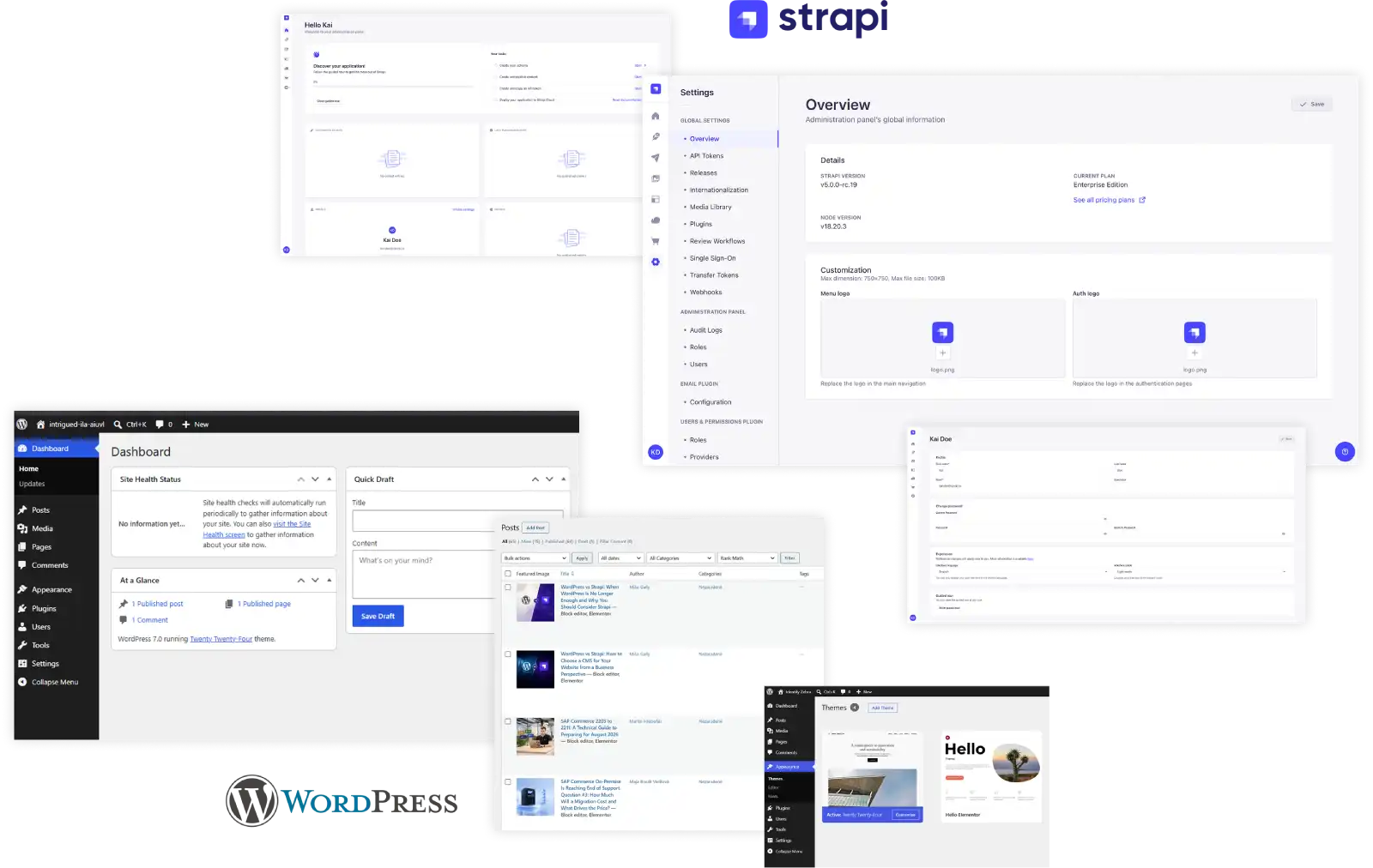
The difference is also visible in day-to-day content work. WordPress offers the Block Editor with real-time preview, so editors can see roughly how the content will look on the page. Strapi offers Content Manager, Draft & Publish, preview after configuration, and custom content types, which is especially useful for structured content. [5] [6]
WordPress also has a huge ecosystem of themes and plugins. That means many common needs — a contact form, SEO, cache, newsletter, simple e-commerce, or a gallery — can be solved with ready-made tools without major development work. [7]
Strapi has a smaller ecosystem, but it is a better fit for projects where content is not just a simple article or page. If you work with content such as products, locations, employee cards, FAQs, landing pages, or app notifications and want to use it across multiple digital outputs, Strapi makes more sense. [5] [8]
SEO and multilingual content
If your goal is to maximize clicks from search engines, WordPress has a very strong position. For a non-technical team, a major advantage is that meta titles, meta descriptions, schema, and sitemaps are usually available through plugins and clear forms in the admin interface. [9] [10]
Strapi can also be SEO-friendly, but the approach is different. There is an SEO plugin for meta titles, meta descriptions, SERP previews, and basic content SEO analysis. With Strapi, however, you also need to remember that a large part of technical SEO sits outside the CMS — in the front end itself. [11]
When it comes to multilingual content, Strapi has a strong foundation. Internationalization is part of Strapi 5’s core, and editors can work with localized content. WordPress does not offer native multilingual content management in its core; in practice, this is usually handled through plugins or separate websites for different languages. [12] [13]
For a simple business website, this may not be a problem. However, if a company works with multiple languages, countries, or localized content, Strapi can be a cleaner solution from the perspective of the data model and long-term content management.
So, when should you choose Strapi and when should you choose WordPress?
Decision framework: which CMS makes more sense?
Situation | Better choice |
You need to launch a business website quickly | WordPress |
You want a blog, magazine, or content portal | WordPress |
The marketing team wants to make many changes on its own | WordPress |
You want to use ready-made themes and plugins | WordPress |
You need a simple e-commerce site or landing pages | WordPress |
You are planning a custom design and a custom front end | Strapi |
Content should be used on both the website and in a mobile app | Strapi |
You need multiple content types and structured content | Strapi |
You want one content backend for multiple channels | Strapi |
You are building a digital product, not just a website | Strapi |
We recommend WordPress when the goal is to launch a content website quickly, reasonably, and with as little complexity as possible. Typical use cases include a blog, business website, magazine, smaller content portal, local business website, landing pages, simple e-commerce, and projects where editors or marketers need to do a lot on their own.
The biggest advantages of WordPress are convenience, the availability of experts, a huge ecosystem, and a relatively low entry barrier. The downside is that with more complex custom requirements, the website can gradually become overloaded with plugins and technical debt.
We recommend Strapi when content is only one part of a larger digital product. Typical use cases include a modern marketing website with a fully custom design, a portal with multiple content types, content for a mobile application, a PWA, a company product backend, or a project where the same content is published across multiple channels at once. [14]
Strapi’s strengths are its modern architecture, fully custom front end, API-first approach, easier integration with mobile applications, and high flexibility. The downside is that without a developer or at least a technical partner, it is harder to fully benefit from these advantages.
Conclusion
When choosing a CMS, it is not enough to look only at which system is better known or more technically modern. It is more important to understand how your team will work with the website today and what you will need from it in a year or two.
A good CMS should support the way you create content, launch campaigns, develop digital channels, and respond to new business needs. One solution makes sense for a team that needs to publish articles and landing pages quickly, while another is better for a company that wants one source of content to power its website, application, and other digital channels.
Sources
[1] Strapi – oficiálna stránka
https://strapi.io/
[2] WordPress.org – oficiálna stránka
https://wordpress.org/
[3] AWS – What is a Headless CMS?
https://aws.amazon.com/what-is/headless-cms/
[4] Strapi Documentation – Quick Start
https://docs.strapi.io/cms/quick-start
[5] Strapi Documentation – Content Manager
https://docs.strapi.io/cms/features/content-manager
[6] WordPress Developer Resources – Block Editor Handbook
https://developer.wordpress.org/block-editor/
[7] WordPress Themes Directory
https://wordpress.org/themes/
[8] Strapi Documentation – Content-Type Builder
https://docs.strapi.io/cms/features/content-type-builder
[9] WordPress SEO Plugin – Yoast SEO
https://sk.wordpress.org/plugins/wordpress-seo/
[10] WordPress Learn – SEO Strategies
https://learn.wordpress.org/lesson/seo-strategies/
[11] Strapi Marketplace – SEO Plugin
https://market.strapi.io/plugins/%40strapi-community-plugin-seo
[12] Strapi Documentation – i18n in Strapi 5
https://docs.strapi.io/cms/migration/v4-to-v5/breaking-changes/i18n-content-manager-locale
[13] WordPress Support – Multilingual WordPress
https://fr.wordpress.org/support/article/multilingual-wordpress/
[14] Strapi – Mobile CMS
https://strapi.io/solutions/mobile-cms